

AI in Spreadsheets: Two Different Philosophies
You have 2,000 rows of customer feedback sitting in a Google Sheet. Each one needs to be categorized, summarized, and tagged. Doing it by hand would take days. With the right AI tool, it takes minutes.
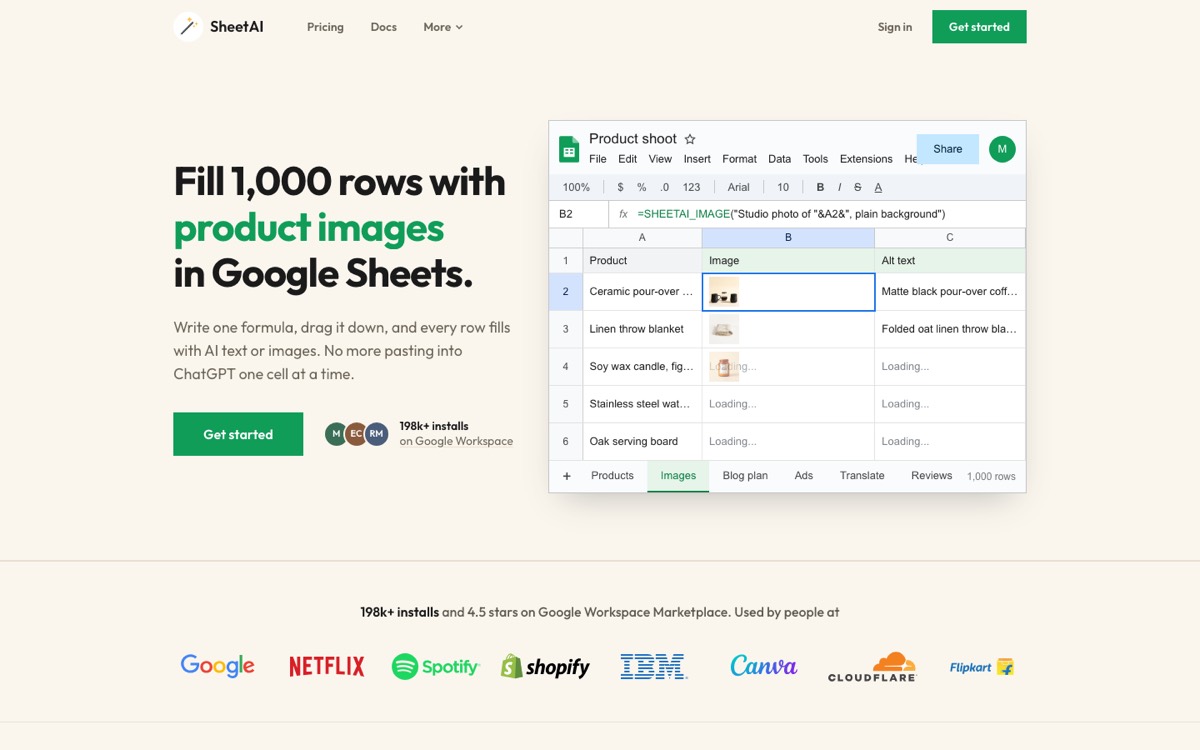
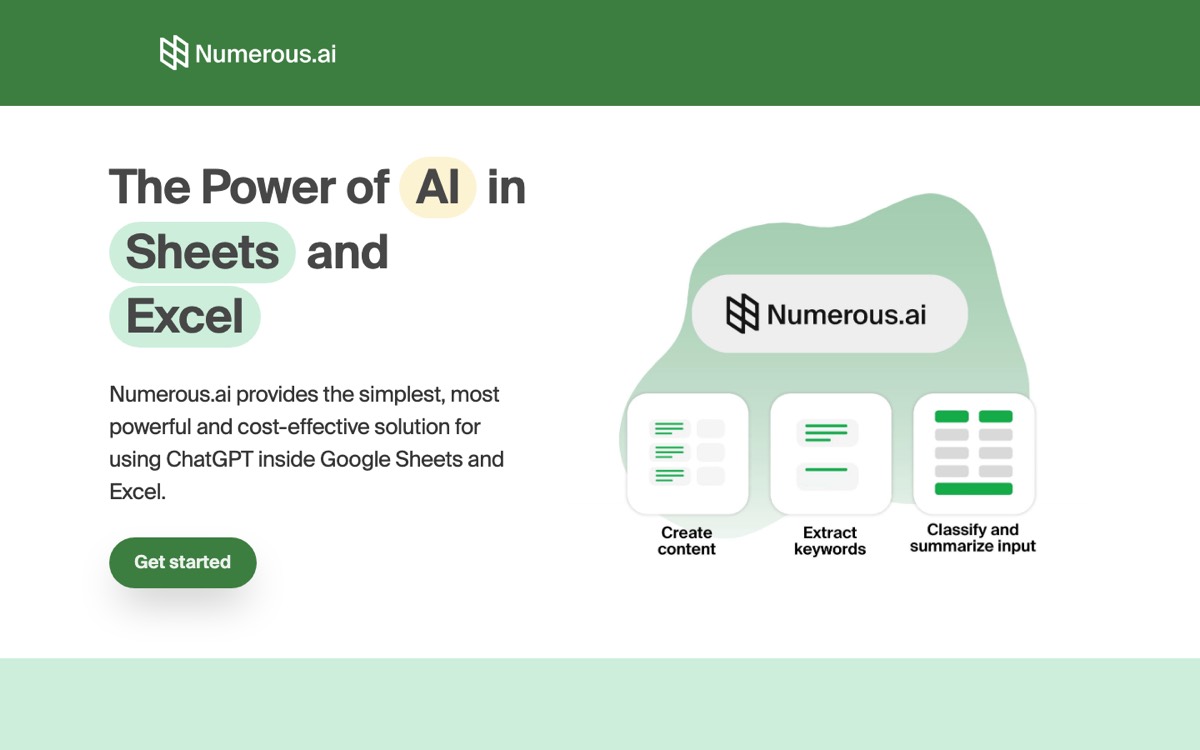
SheetAI and Numerous.ai both promise to solve this problem, but they take fundamentally different approaches. SheetAI gives you a toolkit of specialized functions and lets you bring your own AI models. Numerous.ai gives you one general-purpose function behind a subscription.
Let's see what that actually looks like in practice.
See the Difference: Real Formula Examples
Here's what it looks like when you use SheetAI to generate a product description, classify a support ticket, and extract data from messy text.
=SHEETAI("Write a 50-word product description for: Ergonomic Mesh Office Chair")Input (A2)
Ergonomic Mesh Office Chair
AI Output
Upgrade your workspace with this ergonomic mesh office chair. Breathable mesh back keeps you cool during long work sessions, while adjustable lumbar support and padded armrests reduce fatigue. Features a 360-degree swivel base with smooth-rolling casters. Built for 8+ hours of comfortable, productive sitting.
=SHEETAI_CLASSIFY(A2, "Bug Report, Feature Request, General Question, Billing Issue")Input (A2)
The checkout page crashes when I try to apply a discount code on mobile
AI Output
Bug Report
=SHEETAI_EXTRACT(A2, "company_name, contract_value, start_date")Input (A2)
Acme Corp signed a $48,000 annual contract starting March 1, 2026 for enterprise support.
AI Output
{"company_name": "Acme Corp", "contract_value": "$48,000", "start_date": "March 1, 2026"}
Each of those is a single formula. No prompts to engineer, no output to clean up. You paste it in, drag it down, and it just works across thousands of rows.
Head-to-Head: Same Task, Different Tools
The real test of any tool is how it handles the same job. Here's how SheetAI and Numerous.ai compare on two common spreadsheet tasks.
Classifying Support Tickets
Formula
=SHEETAI_CLASSIFY(A2, "Bug Report, Feature Request, Billing Issue")Result
Bug Report
Formula
=AI("Classify into Bug Report, Feature Request, or Billing Issue: " & A2)Result
This appears to be a Bug Report
Notice the difference in output. SheetAI returns a clean label you can use directly in filters, pivot tables, and COUNTIF formulas. Numerous.ai's general-purpose function often wraps the answer in a sentence, which means you need extra cleanup before your data is usable.
Extracting Data from Unstructured Text
Formula
=SHEETAI_EXTRACT(A2, "name, email, company")Result
{"name": "Sarah Chen", "email": "sarah@acme.co", "company": "Acme Corp"}
Formula
=AI("Extract name, email, and company from: " & A2)Result
The name is Sarah Chen, her email is sarah@acme.co, and she works at Acme Corp.
When you're processing hundreds of invoices, contracts, or emails, structured JSON output beats a prose paragraph every time. SheetAI's SHEETAI_EXTRACT is built to return structured data by default.
Quick Comparison
| Feature | SheetAI | Numerous.ai |
|---|---|---|
| Platform | Google Sheets | Google Sheets + Excel |
| AI Models | GPT-4o, Claude, Gemini, Grok | GPT-4o, Claude |
| Custom API Key | Yes (BYOK) | No |
| Specialized Functions | 7 dedicated functions | 1 general function |
| Classification | Dedicated SHEETAI_CLASSIFY | Prompt-based |
| Data Extraction | Dedicated SHEETAI_EXTRACT | Prompt-based |
| Table Generation | SHEETAI_TABLE | Not available |
| Pricing | Free with your key, or $12–$29/mo | From $10/mo billed yearly, no BYOK |
AI Model Flexibility
This is where the gap gets wide.
SheetAI connects to four major AI providers through a single interface. You bring your own API key and switch models whenever you want:
OpenAI (GPT-4o, GPT-4o-mini)
Best all-around model for most tasks
Anthropic (Claude 3.5 Sonnet)
Excellent for nuanced analysis and long context
Google (Gemini Pro & Flash)
Fast and cost-effective for high-volume tasks
xAI (Grok)
Alternative model with unique strengths
Bring Your Own Key
Pay API providers directly, no markup
Switch models per task
Use the right model for each job
Numerous.ai supports GPT-4o and Claude, but you don't bring your own key. You pay Numerous a subscription fee that includes a set number of AI calls. Once you run out, you upgrade.
The Function Toolkit
SheetAI gives you seven purpose-built functions. Each one is optimized for a specific type of task, which means better results with less prompt engineering.
| Function | What It Does | Example Use Case |
|---|---|---|
=SHEETAI() | General-purpose AI | Writing product descriptions |
=SHEETAI_BRAIN() | AI with cell/range context | Summarizing data from a range |
=SHEETAI_CLASSIFY() | Categorize text into labels | Sorting feedback by sentiment |
=SHEETAI_EXTRACT() | Pull structured data from text | Parsing invoices for amounts |
=SHEETAI_FILL() | Learn from examples, apply pattern | Standardizing address formats |
=SHEETAI_LIST() | Generate lists across cells | Brainstorming blog topics |
=SHEETAI_TABLE() | Generate multi-column tables | Creating competitor comparisons |
Numerous.ai gives you =AI() and =NUMEROUS(). One function that does everything. It's simpler to learn, but you end up writing longer, more detailed prompts to get the same quality of output. And when you're applying that across 5,000 rows, the difference in consistency adds up fast.
Pricing: The Math Speaks for Itself
Recommended
SheetAI
$0 – $29/mo
Free with your own API key, or Starter $12/mo (500 AI calls, no key) and Pro $29/mo. No markup on your own key.
Numerous.ai
From $10/mo
Billed yearly, 7-day free trial. Token-based plans with a set amount of AI usage. No option to use your own API key.
Let's put some numbers on this. Say you're classifying 5,000 customer reviews per month using GPT-4o-mini.
- With SheetAI (BYOK): You pay OpenAI directly. At current rates, that's roughly $0.50–$1.50 for 5,000 classification calls. Total monthly cost: under $2.
- With Numerous.ai: You need a plan that covers 5,000 operations. That means a subscription (from $10/month billed yearly) with enough tokens for your volume, and more if you go over.
For light users doing a handful of queries per day, the subscription model is fine. But the moment you start processing real volumes of data, the BYOK model saves you serious money.
Where Each Tool Wins
SheetAI is the better choice when you:
- Work primarily in Google Sheets
- Need access to GPT-4o, Claude, Gemini, and Grok
- Process large volumes of data and care about cost
- Want clean, structured outputs without prompt engineering
- Prefer paying API providers directly instead of buying credits
- Need specialized functions for classification, extraction, and table generation
Numerous.ai might work better if you:
- Need to work across both Google Sheets and Excel
- Prefer a simpler setup without managing API keys
- Have very light usage that fits within a subscription tier
- Want a single function rather than learning multiple ones
The Verdict
Both tools bring AI into your spreadsheets. But they serve different users.
Numerous.ai is the simpler option. One function, one subscription, and it works in Excel too. If your needs are light and cross-platform support matters, it gets the job done.
SheetAI is the more powerful option. Seven specialized functions that produce cleaner outputs. Four AI providers you can switch between freely. A BYOK pricing model that costs a fraction of what subscriptions charge at scale. If you work in Google Sheets and you're serious about using AI to process data efficiently, SheetAI gives you more control, better results, and lower costs.
For most Google Sheets users, SheetAI is the stronger choice.
Get Started with SheetAI
Install SheetAI from the Google Workspace Marketplace, add your API key, and start using formulas like =SHEETAI_CLASSIFY() and =SHEETAI_EXTRACT() in minutes. No subscription required, no credits to worry about — just bring your own API key and go.