

What Each Tool Actually Does
Most comparisons say SheetAI does AI and Coefficient does data. That was true once. Today SheetAI does both: it can pull data from any app with an API, and then run AI on it in the next column.
Coefficient is a data pipeline tool. It pulls live data from Salesforce, HubSpot, databases, and other business systems into Google Sheets and keeps everything synced. It has added some AI features over time, but connectors are its bread and butter.
SheetAI is AI inside your cells, plus a formula to call any API. =SHEETAI_API() sends GET, POST, PUT, PATCH or DELETE requests to any REST API (HubSpot, Stripe, Shopify, Airtable, your own backend) and can return one field from the response. Then =SHEETAI() and friends classify, extract, summarise and write on top of that data.
See the Difference in Action
The best way to understand how these tools differ is to watch them work. Let's start with something simple: you have a column of customer support emails and you need to sort them by category.
=SHEETAI("Classify this support email as Billing, Technical, or Shipping: " & A2)Input (A2)
I was charged twice for my subscription last month and need a refund ASAP.
AI Output
Billing
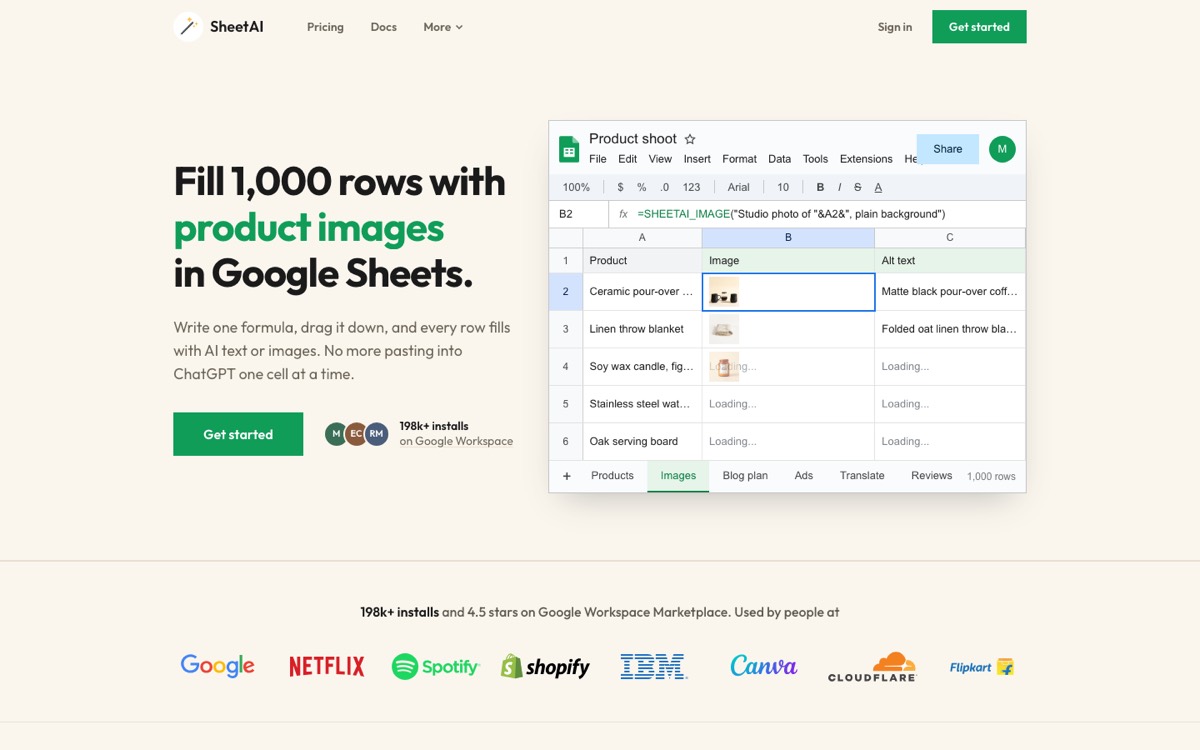
With SheetAI, you write one formula, drag it down, and every row gets classified by AI. No manual reading. No copy-pasting into ChatGPT. It just works inside the cell.
Coefficient's AI features are geared toward formula and chart generation, not cell-level AI on every row like this.
Now pull data in. One formula calls an API and returns just the field you want:
=SHEETAI_API("https://api.hubapi.com/crm/v3/objects/deals?limit=100", "GET", B1, "", "results")Input (A2)
B1 holds your headers, e.g. Authorization: Bearer <token>
AI Output
[ {deal 1}, {deal 2}, ... ] (100 HubSpot deals as JSON)
Pair it with =SHEETAI_PJSON(A2, "properties.dealname") to split the JSON into columns, then run AI on each row.
A few more real-world examples:
Extracting Data from Messy Text
Say you've got a column of product reviews and you want to pull out the specific product names mentioned:
=SHEETAI("Extract the product name from this review: " & B2)Input (A2)
The AirPods Pro 2 have incredible noise cancellation but the case scratches easily.
AI Output
AirPods Pro 2
Generating Content at Scale
Need to write short product descriptions from a list of features?
=SHEETAI("Write a 1-sentence product description: " & C2)Input (A2)
Bluetooth speaker, waterproof, 20hr battery, 360-degree sound
AI Output
Take your music anywhere with this waterproof Bluetooth speaker featuring 360-degree sound and a 20-hour battery that lasts all weekend.
These kinds of tasks are where SheetAI pulls ahead. You write the prompt, pick the AI model, and the formula handles the rest. Coefficient simply isn't built for this workflow.
Head-to-Head: Same Task, Different Tools
Let's compare how each tool handles a couple of common scenarios side by side.
Scenario 1: Categorize Customer Feedback
Formula
=SHEETAI("Classify as Bug, Feature Request, or Praise: " & A2)Result
Bug Report
Formula
No native AI formula — would need manual tagging or external toolResult
N/A
SheetAI handles this natively. Write a formula, drag it down 500 rows, done. Coefficient doesn't offer cell-level AI classification, so you'd need to export the data and process it elsewhere.
Scenario 2: Pull Live CRM Data
Formula
=SHEETAI_API("https://api.hubapi.com/crm/v3/objects/deals", "GET", B1, "", "results")Result
Deals from the HubSpot API, in your sheet, ready for AI in the next column
Formula
HubSpot Connector → Deals → pick fields → set refresh scheduleResult
Deals synced to your sheet on a schedule
Both get the data in. Coefficient's way is no-code: click through a connector and set a refresh schedule. SheetAI's way is one formula against the app's API, so it works with any tool that has one, not just the connectors on a list. And because it's SheetAI, the next column can already be classifying or scoring those deals.
SHEETAI_API with POST or PATCH to update a record, post to a webhook, or push AI results into your CRM.Feature Comparison
Here's a quick look at SheetAI's AI capabilities:
Multi-Model AI
Switch between GPT-4, Claude, Gemini, and Grok
Custom AI Prompts
Write any prompt as a spreadsheet formula
Text Classification
Categorize data with natural language instructions
Data Extraction
Pull structured info from messy text
AI Image Generation
Generate images with =SHEETAI_IMAGE()
Summarization
Condense long text into key points
Translation
Translate content across languages in-cell
Bring Your Own Key
Use your own API key with no markup
Pull from any REST API
=SHEETAI_API() with GET, headers and a key path
Send data back
POST, PUT, PATCH, DELETE to any API or webhook
Parse JSON into cells
=SHEETAI_PJSON() picks fields by path
No-code database connectors
Click-to-connect SQL, BigQuery, Snowflake
Scheduled auto-refresh
Re-sync data on a timer
SheetAI covers all of the AI work and API-based data in and out. Coefficient's edge is narrower: no-code database connectors and scheduled syncs.
Pricing: Totally Different Models
The pricing reflects what each tool actually does.
Recommended
SheetAI
$0 – $29/mo
Free with your own API key, or Starter $12/mo (500 AI calls, no key) and Pro $29/mo. No markup on your own key.
Coefficient
$0 – $99/user/mo
Free plan with manual refresh. Starter $49/mo (daily refresh), Pro $99 per user/mo (hourly refresh, up to 5 users).
SheetAI charges based on AI usage because AI inference is the compute-intensive part. Coefficient charges based on data volume and sync frequency because maintaining live connections to enterprise systems is their infrastructure cost.
For a small team doing occasional AI work, SheetAI's free tier is often enough. For teams pulling live data from multiple enterprise systems, Coefficient's pricing reflects the complexity of those integrations.
When to Pick Which
Pick SheetAI When You Want Data + AI in One Place
If your day looks like any of these, SheetAI is the tool:
- Anyone with an API key pulling records from HubSpot, Stripe, Shopify or Airtable and enriching them with AI
- Marketing teams classifying thousands of survey responses or generating ad copy variations
- Support teams auto-categorizing tickets and extracting key issues from customer messages
- Operations teams standardizing messy data, auto-labeling expenses, or generating descriptions
- Research teams running sentiment analysis on reviews or extracting entities from unstructured text
The common thread: you need AI on your data, whether it's already in the sheet or one API call away.
Pick Coefficient When You Need No-Code Connectors
If your pain point is one of these, Coefficient is a good fit:
- Sales teams pulling live Salesforce pipeline data into Sheets for weekly reviews
- Data teams querying BigQuery or Snowflake without writing SQL, with auto-refresh
- Finance teams syncing accounting data across systems and building live dashboards
- RevOps teams combining CRM, marketing, and financial data in one self-updating sheet
The common thread: you want to connect databases without touching an API, and you need data refreshed on a schedule.
Or Do the Whole Loop in SheetAI
Many teams don't need two tools:
- Pull tickets or deals with
=SHEETAI_API()from your CRM's API - Classify each one by topic and sentiment with SheetAI's AI formulas
- Push results back with
=SHEETAI_API()using PATCH or POST
One add-on, one bill, data in and out plus AI.
Ease of Use
SheetAI has a minimal learning curve. If you can write =SUM(A1:A10), you can write =SHEETAI("summarize this: " & A2). The hardest part is crafting good prompts, and that gets easier fast.
Calling an API with SHEETAI_API needs the endpoint URL and a token, which most apps document. Coefficient's connectors skip that with a click-through setup, but you still authenticate each source, map fields and set sync schedules.
Once both tools are set up, day-to-day usage is smooth for either.
The Bottom Line
You want AI on your data, and your apps have an API? SheetAI. Pull the data, run AI on it and push results back, all with formulas.
You need click-to-connect databases and scheduled syncs, and AI is secondary? Coefficient.
Most people asking "SheetAI or Coefficient?" want AI on their data. That's SheetAI.
Try SheetAI free to see what AI-powered spreadsheet formulas can do for your workflow.