

GPT for Sheets Is Now Autosheet
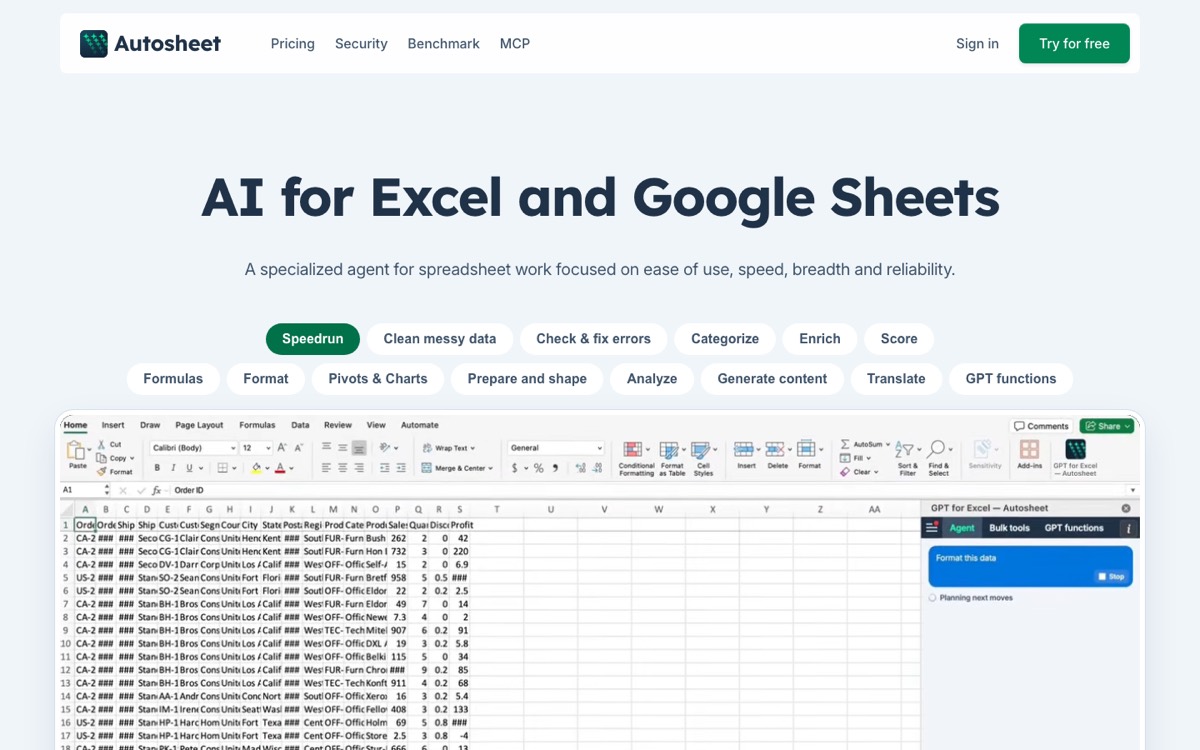
If you've used GPT for Sheets, you've already seen the change: gptforwork.com now redirects to autosheet.com. The product has moved from "a =GPT() function in your cells" to "an AI agent for spreadsheets". It works from a chat panel, edits the workbook for you, and runs in both Google Sheets and Excel.
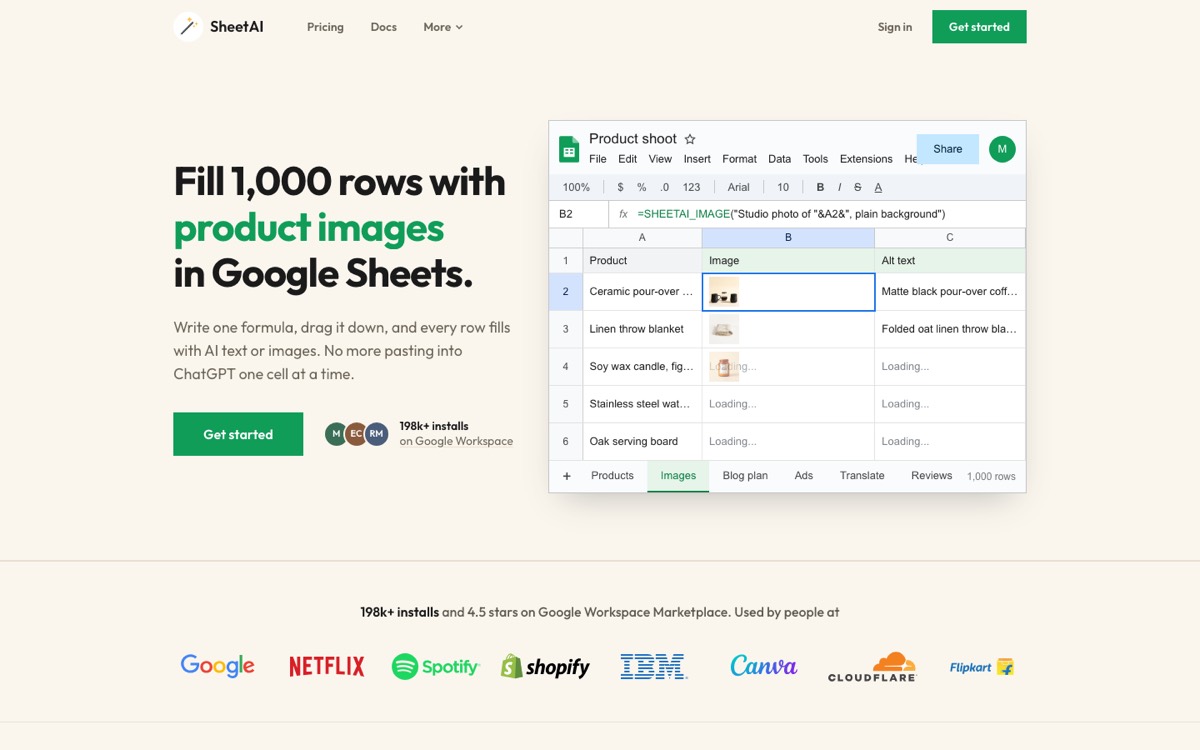
SheetAI takes a different path. It puts AI into Google Sheets formulas: one formula, drag it down, and every row gets classified, extracted, translated or written. It's free with your own API key.
So the question isn't "which is better". It's "do you want an agent that edits your workbook, or AI you can run down 5,000 rows for a few dollars?"
Same Task, Both Tools
Classifying Support Tickets
Formula
=SHEETAI_CLASSIFY(A2, "Bug, Billing, Feature Request")Result
Billing
Formula
=GPT("Classify as Bug, Billing or Feature Request: " & A2)Result
Billing
Both get it right. SheetAI's SHEETAI_CLASSIFY is built to return only one of your labels, so the column is ready for filters, pivots and COUNTIF. With a general =GPT() prompt, you write the rules into every prompt yourself.
Pulling Fields Out of Messy Text
=SHEETAI_EXTRACT(A2, "company, amount, start_date")Input (A2)
Acme Corp signed a $48,000 annual contract starting March 1, 2026.
AI Output
{"company": "Acme Corp", "amount": "$48,000", "start_date": "March 1, 2026"}
Pulling Data In From an API
=SHEETAI_API("https://api.hubapi.com/crm/v3/objects/deals", "GET", B1, "", "results")Input (A2)
B1 holds your headers, e.g. Authorization: Bearer <token>
AI Output
Deals from HubSpot as JSON, ready for AI in the next column
SHEETAI_API calls any REST API with GET, POST, PUT, PATCH or DELETE, and SHEETAI_PJSON splits the JSON into cells. That gives you data in, AI on top, and results back out, all from formulas.
Quick Comparison
| SheetAI | Autosheet (GPT for Sheets) | |
|---|---|---|
| Works in | Google Sheets | Google Sheets, Excel, MCP/API |
| How you use it | Formulas + sidebar | Chat agent, bulk tools, =GPT() |
| AI functions | 15+ (SHEETAI, CLASSIFY, EXTRACT, TAG, TRANSLATE, SUMMARIZE, LIST, TABLE, FILL, BRAIN, IMAGE, API…) | =GPT() |
| AI models | GPT, Claude, Gemini, Grok | OpenAI, Anthropic and others (trial: one model) |
| Use your own API key | Yes, free on every plan | Business ($45/seat/mo) and Enterprise only |
| Pull/push API data | Yes, SHEETAI_API | Via MCP server / API (preview) |
| Image generation | Yes, SHEETAI_IMAGE | Not listed |
| Starting price | $0 (own key), $12/mo without | Free credits, then $25/mo |
| Security | Keys stored in your Google account | ISO 27001, GDPR |
Pricing
Recommended
SheetAI
$0 – $29/mo
Free with your own API key, no markup and no SheetAI limit. Or Starter $12/mo (500 AI calls, no key) and Pro $29/mo.
Autosheet
$25 – $45/seat/mo
Free starting credits. Standard $25/mo with $25 usage included. Business $45/seat/mo with own-key option. Enterprise custom.
Say you classify 5,000 rows a month on a small model like GPT mini or Gemini Flash.
- SheetAI with your own key: you pay the provider directly, usually a few dollars or less. SheetAI charges nothing.
- Autosheet: $25/month on Standard, with usage drawn from the $25 included. Your own key needs Business at $45 per seat, and requests still use Autosheet credits.
For one person doing AI on rows, the gap is $0 versus $25+ every month.
Where Autosheet Wins
Autosheet has real strengths, and you should know them:
- Excel and Google Sheets. If your team uses both, one tool covers it. SheetAI is Google Sheets only.
- A chat agent. Ask it to build a pivot table, fix formulas or format a report, and it edits the workbook.
- Compliance. ISO 27001 and GDPR claims help with company procurement.
- Ratings. GPT for Sheets has a 4.8 rating from about 4,000 reviews on the Google Workspace Marketplace.
Where SheetAI Wins
- Cost. Free with your own key on every plan. On Autosheet the own-key option starts at $45 per seat.
- Functions built for row work. Classify, extract, tag, translate, summarise, list, table and fill each have their own formula, so outputs stay clean across thousands of rows.
- Model choice. Switch between GPT, Claude, Gemini and Grok per task.
- APIs from a formula. Pull data from HubSpot, Stripe, Shopify or your own backend, and push results back.
- Images. Generate product shots and creatives straight into cells with
SHEETAI_IMAGE.
The Verdict
Pick Autosheet if you need Excel and Google Sheets in one tool, want a chat agent that builds reports for you, and the $25+/month price is fine.
Pick SheetAI if you work in Google Sheets and want AI across many rows: classifying, extracting, writing, translating or enriching data. It's free with your own key, has more purpose-built functions and works with every major AI model.
Install SheetAI free and try it on your own sheet.