10 Best AI Presentation Makers (2026) – These AI Tools Will Blow Your Presentation Mind
Tired of trying to create a presentation? Spending hours on each slide, formatting, trying to make everything look perfect — all this can be exhausting.
This is where AI presentation tools come to our rescue. Just by inserting a prompt, it can generate content in the span of seconds.
Not every tool is the same. Each has its own merits and demerits. I have myself tried a number of them to come up with the best ones that are worth your time and energy. In this article, I have put down the 10 best AI presentation makers for 2026.
If you are planning to save time while generating professional presentations, you are at the right place.
What are AI Presentation Makers?
Life has drastically changed for students and professionals after the unveiling of AI presentation maker tools.
With an AI-powered PPT generator, all you have to do is give it a prompt. In the span of seconds, it comes up with a professionally polished presentation according to your given content. Most importantly, the majority of these slides do help you customize them according to your needs.
Testing Parameters
For this review, I did research on a few AI presentation tools. I have also included details to simplify complexities and make things easier for you. I have evaluated the performance of each tool according to different criteria, which include the following:
Based on This Criterion, I Ranked the Top 10 AI Presentation Makers of 2026
| Tool Name | No. of Slides | Free Export | Quality | Free Credits / Limitations |
| MagicSlides | 10+ | Yes (PDF, PPT via Google Slides) | Best | Unlimited generations (with basic features) |
| Microsoft Copilot | 10+ | Yes (PDF, PPT) | Best | No free credits; requires Copilot Pro |
| Presentations.ai | 10 | No | Best | 250 AI credits (1 PPT of 10 slides = 50 credits) |
| Prezi | 20+ | Yes (PDF) | Best | 5 Projects |
| Curipod | 15 | No | Good | 1 lesson translation per month |
| PopAI | 18 | No | Good | 1 presentation per month |
| SlidesGo | 10 | Yes (PDF, MP4, JPG) | Good | 5 uses of Ad-free, premium tools |
| Pitch | 11 | Yes (PDF) | Good | Unlimited presentations |
| StoryD | 7 | Yes (PDF, Canva, PowerPoint) | Average | 5 presentations per month |
| Canva | 7 | Yes (PDF, PPT, MP4) | Average | 10 lifetime presentation generations |
10 Best AI Presentation Makers of 2026
1. MagicSlides
MagicSlides.app takes the top spot among AI presentation makers for 2026. It is an AI-powered presentation maker tool that creates perfectly polished presentations just by the insertion of a prompt.
Whether it’s a topic, text, a YouTube link, a PDF, or even meeting notes, in seconds, it generates slides complete with detailed content, images, and data.
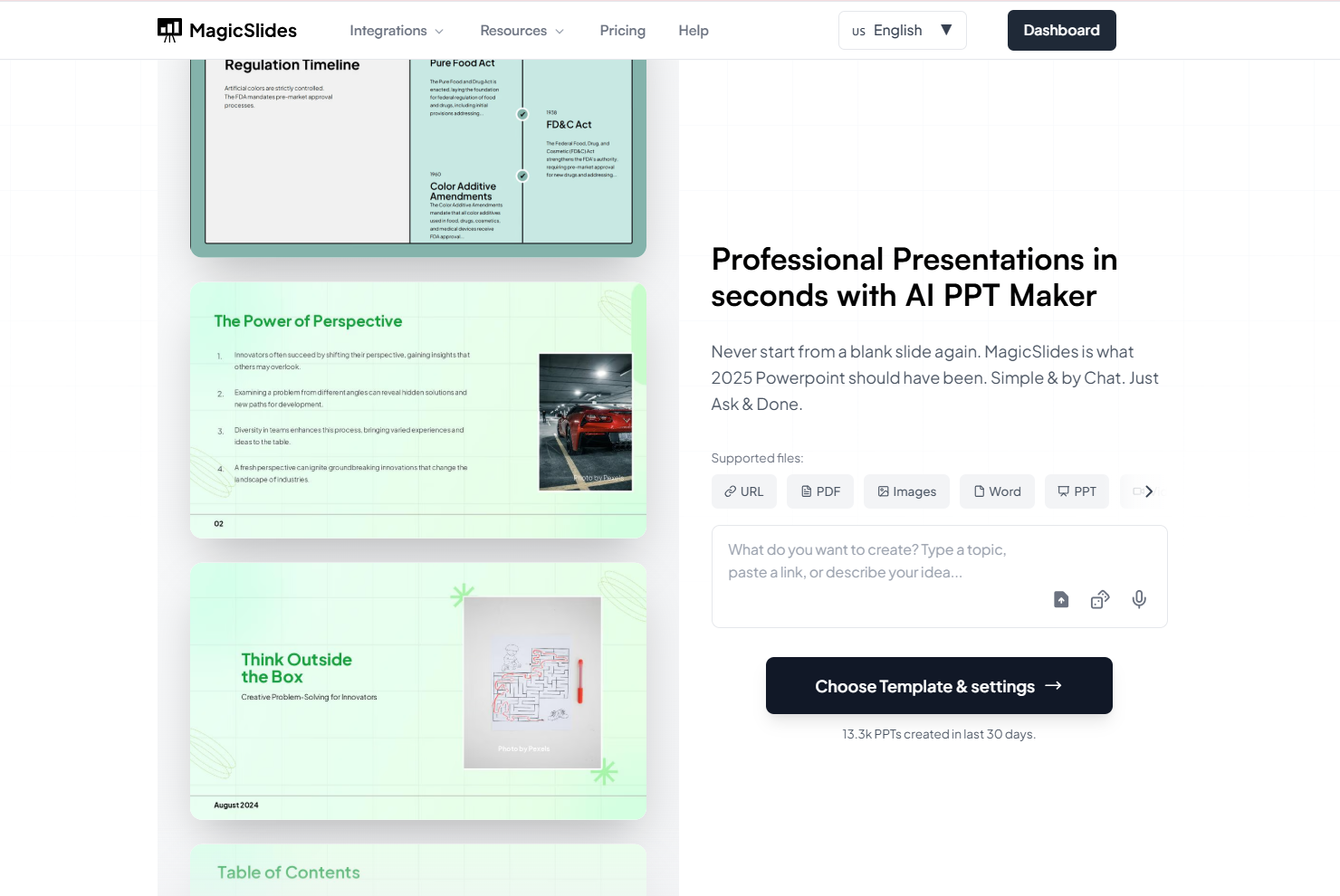
To get started, all you have to do is install the add-on from the Google Workspace Marketplace, sign up for a free account, and give it a clear prompt on your topic. In just a few minutes, you have a professionally polished presentation.
It connects effortlessly with almost every platform you already use. It’s still the same AI-powered Google Slides add-on, but now with far more ways to generate presentations quickly from any type of content.
Apart from the usual “type your topic → get a PPT in seconds” workflow, MagicSlides now supports multiple smart integrations:
Like before, MagicSlides handles inputs such as PDFs, YouTube URLs, long text, meeting notes, and more. It fills slides with detailed content, professional themes, timelines, charts, and images while still letting you edit everything inside Google Slides.
Pricing: The free plan allows unlimited generations with basic features. To unlock all advanced features, plans start at $8 per month or $80 per year.
2. Microsoft Copilot
Microsoft Copilot is a powerful AI assistant built directly into Microsoft 365, and it’s especially useful for creating presentations inside PowerPoint. To get started, log in to the website and type the prompt. Copilot will instantly generate the presentation accordingly.
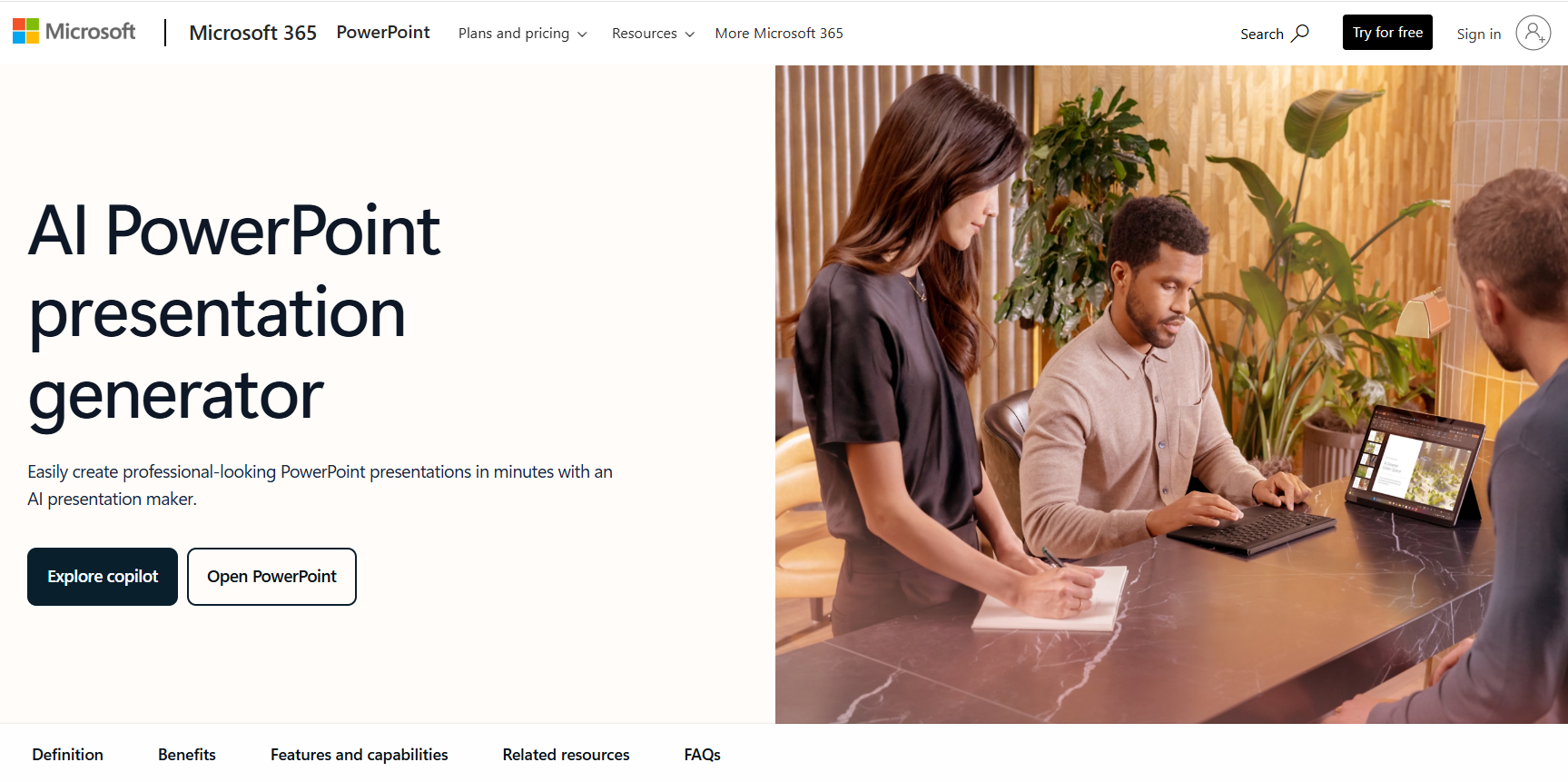
What sets Copilot apart is its deep integration with your existing documents. It can pull information from Word files, Excel sheets, meeting notes, or emails to build accurate, data-driven slides, making it a strong choice for business users.
It refines your slides with just a click, and the design recommendations feel professional.
However, Copilot still depends heavily on how detailed your prompt is. Sometimes layouts may feel repetitive, and it won’t generate a presentation from scratch unless you have the full Microsoft 365 environment. The biggest limitation is accessibility. A lot of features are locked behind paid Microsoft 365 plans.
Pricing: Microsoft Copilot’s PowerPoint features are available through Copilot Pro or Microsoft 365 subscriptions. Copilot Pro is priced at $20 per month per user, while Microsoft 365 business plans offer integrated Copilot features at higher-tier pricing.
3. Presentations.AI
Presentations.AI is another impressive AI presentation tool that makes it easy to create polished, professional slides. It generates complete presentations with high-quality images, detailed content, and well-designed charts that are sure to leave an impact.
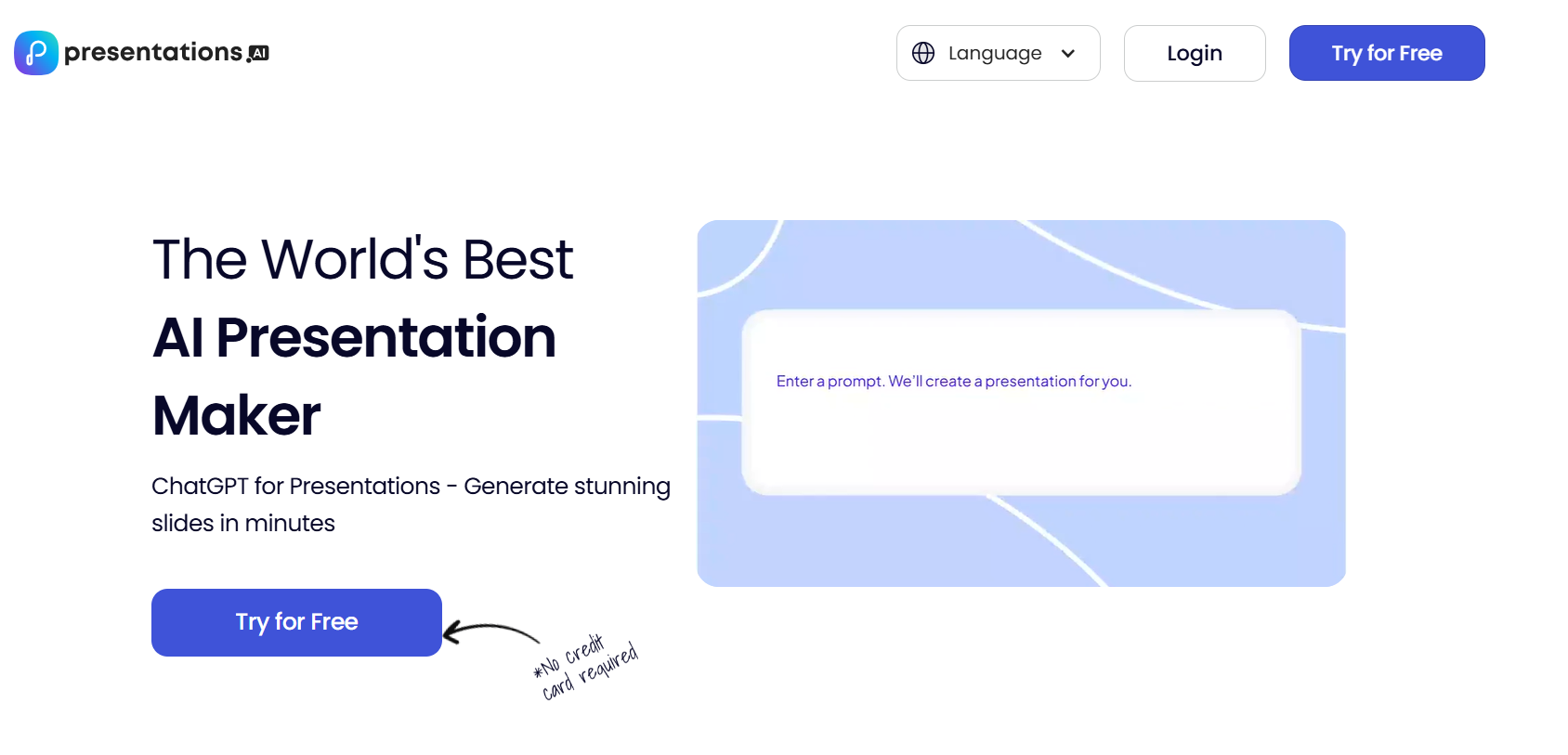
To get started, just click “Try for Free” and sign up with your email address. After entering the detailed prompt, the tool will generate a presentation in no time.
It offers over 1,000 pre-built templates for a wide range of purposes, including business, education, sales, and marketing. You can customize text, graphics, and styling, and present your slides in any workspace. It also includes analytics to track audience engagement, and it integrates with both Google Slides and Microsoft PowerPoint.
The content quality and flexibility highlight this tool. It offers more editing options than Gamma AI, helping you create stunning styles according to your needs.
One limitation is that you can’t export presentations directly in any format yet, though sharing and publishing options are available.
Pricing: The free plan comes with 250 AI credits (1 presentation of 10 slides = 50 credits). The PRO plan costs $198 per user per year.
4. Prezi AI
Prezi AI is an AI-powered presentation tool that helps in creating visually appealing presentations in seconds. To get started, just enter your topic with a brief description, and within moments, Prezi generates slides relevant to your topic, visuals, and animations.
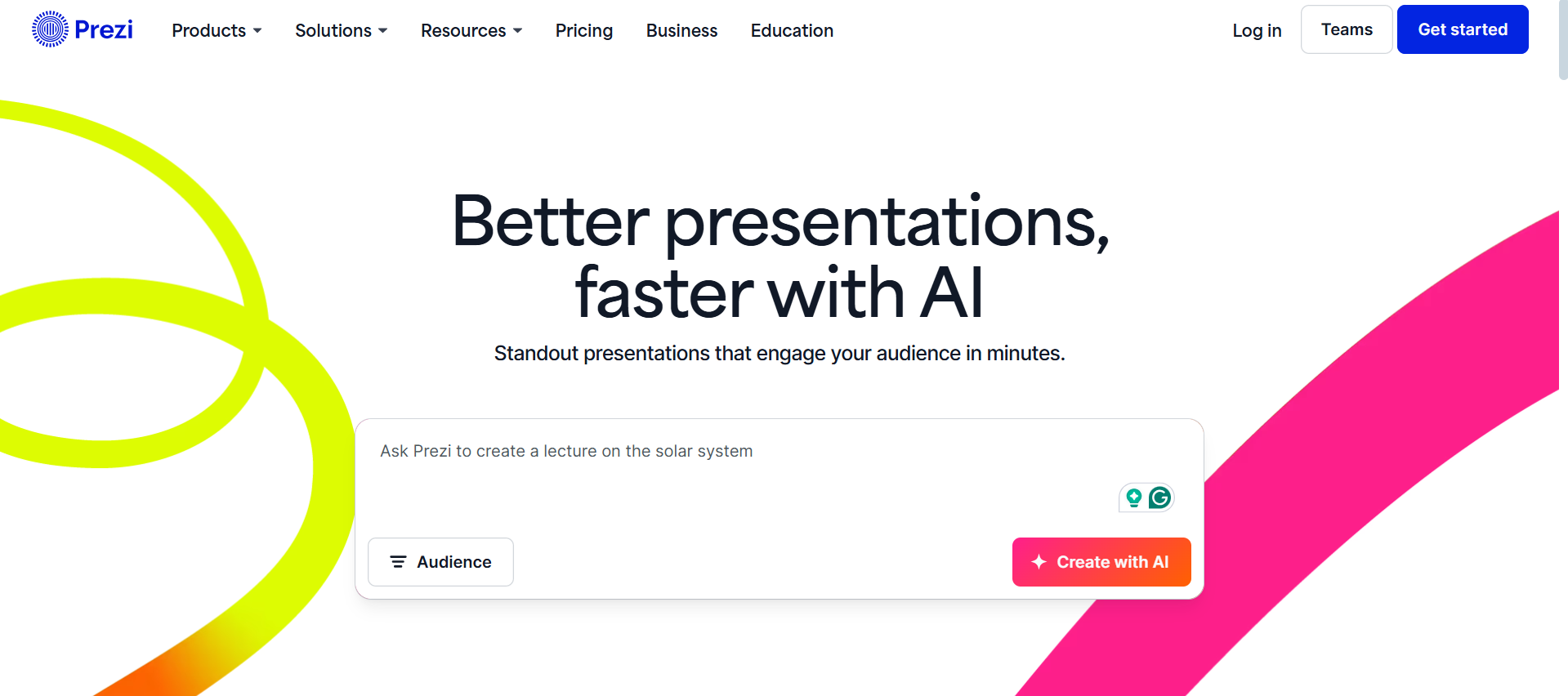
One of Prezi’s standout features is its “Ask AI” tool, which makes editing and formatting text much easier. You can summarize text, turn it into bullet points, create visual lists, animated stories, or even flowcharts—all in just a few clicks. Also, its signature Zooming User Interface adds a dynamic touch, zooming in on each frame as you navigate between slides, making presentations feel more interactive.
You can download your presentation as a PDF or share it via a link. Prezi offers analytics that offer advantages like tracking views, viewing numbers, the time spent in total, and more.
The main drawbacks are that PPT downloads aren’t supported, and the zoom-to-frame effect may not suit those who prefer a simpler, minimal design.
Prezi is ideal for educators, students, marketers, and professionals who require professional presentations.
Pricing: The free plan allows up to 5 projects with limited features. Paid plans start at $5 per month.
5. Curipod
Curipod is an AI presentation tool targeted mostly for educators. All you have to do is sign up and enter your details. From there, head to the “Full Lesson Generator,” enter the grade level and topic, and the tool will create your presentation.
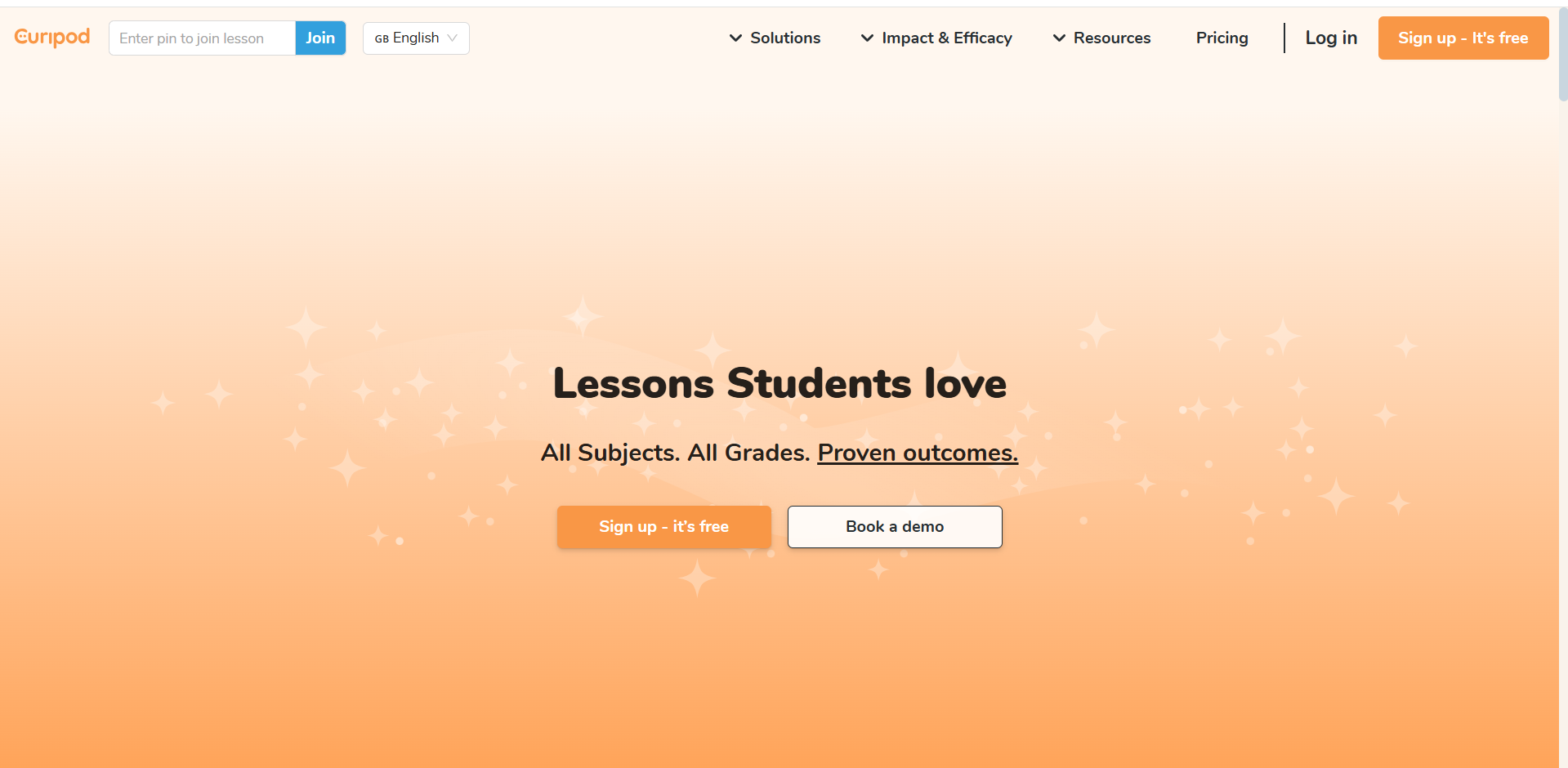
It provides educational content to make lessons easier and engaging. There are customization options and it simplifies a lot of manual work.
One downside is that Curipod takes a bit longer to generate presentations compared to other AI tools. The output is informative and usually around 15 slides, but currently, it only provides shareable links rather than export options. Compared to other AI tools, there are not many design options available.
Pricing: The free plan allows 1 lesson translation per month with limited lessons. Paid plans start at $3,999 per school.
6. PopAI
PopAI is a bit of a hidden gem among AI presentation tools. It’s useful for a wide range of projects, from business pitch decks and data analysis reports to educational materials and assignment presentations.
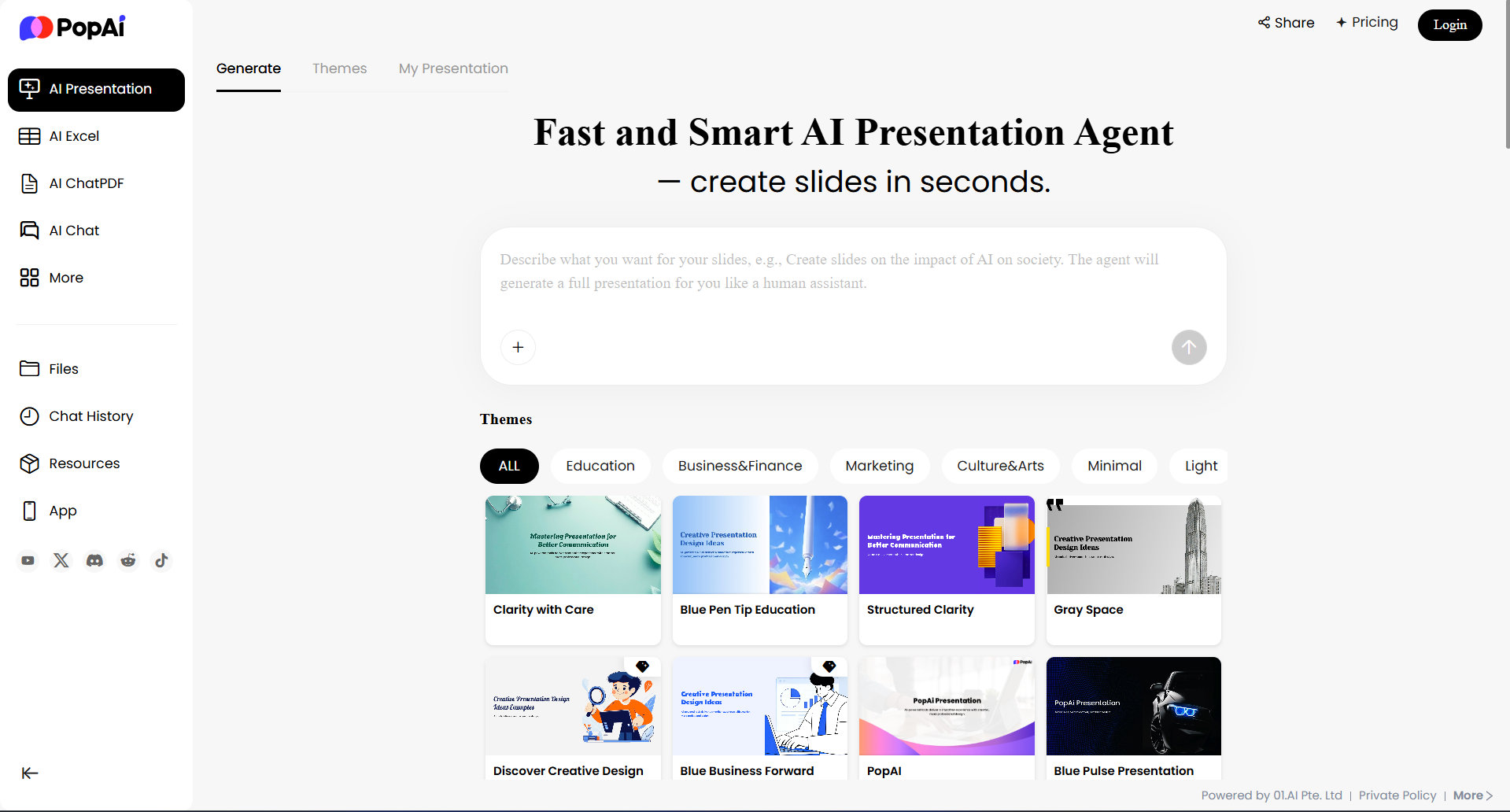
Create a free account to get started. Enter your prompt and adjust the slide number, word count, and slide format, and get your presentation generated in a few minutes.
You can adjust the text length, choose a theme, and set the number of slides required. The free plan allows you to share presentations in any workspace, though exporting isn’t supported.
It has a slower interface compared to other competitors, and the image quality is lower comparatively. But overall, it is a reliable tool.
Pricing: The free plan allows one presentation per month. The PRO plan costs $8.29 per month and includes a 7-day free trial.
7. SlidesGo
SlidesGo is a free AI presentation tool that helps you create professional-looking slides. Sign up for a free account to enter your prompt. It allows you to customize the details of your choice.
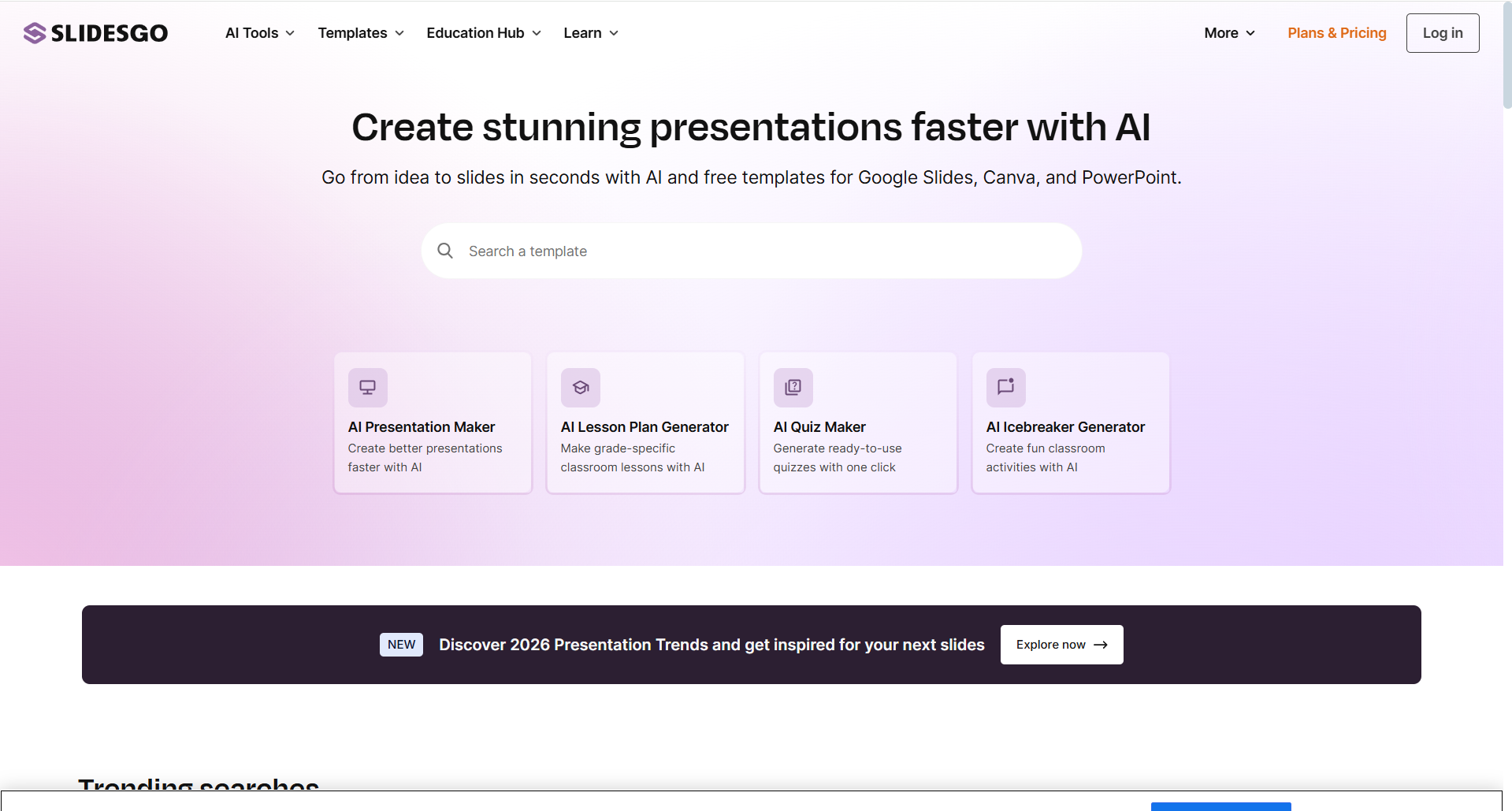
The platform offers over 1,000 templates in different categories such as research, fashion, art, and more. You can also include various infographics like charts, timelines, roadmaps, and checklists.
That said, I found the content and image quality basic. You can export your presentation in PDF, JPG, and MP4 formats, but PPT export is only available for prepaid plans.
Pricing: The free plan allows up to 5 uses of premium, ad-free templates and assets. The premium plan starts at $2.26 per month per user and provides unlimited access.
8. Pitch
Pitch is a great tool for businesses, designers, sales, and marketing professionals. The AI presentation maker helps you create slides quickly and easily. Just log in or sign up, enter your prompts, and adjust fonts and colors. In just a few minutes, you will have a professional presentation ready.

It has smart editing features and AI-powered drafts, making the creation process quick and efficient. Pitch also integrates with platforms like Notion, Slack, and Google Analytics, making your workflow seamless.
What stood out most to me was the professionalism. It has the best color palettes, clean themes, and well-organized content. It even adds timelines and Q&A sections, which help you to structure your slides. Currently, you can download presentations in PDF format, but they include watermarks.
Pricing: The free plan lets you create unlimited presentations and invite up to 2 guests. For larger teams, the PRO plan starts at $20 per month for 2 users and offers additional features.
9. StoryD
StoryD is worth considering if you are looking for a presentation tool for business needs. Getting started is simple. Create an account on their website, type in your prompt, and the tool will generate a clean 7-slide presentation for you. You can then adjust the content and other requirements.
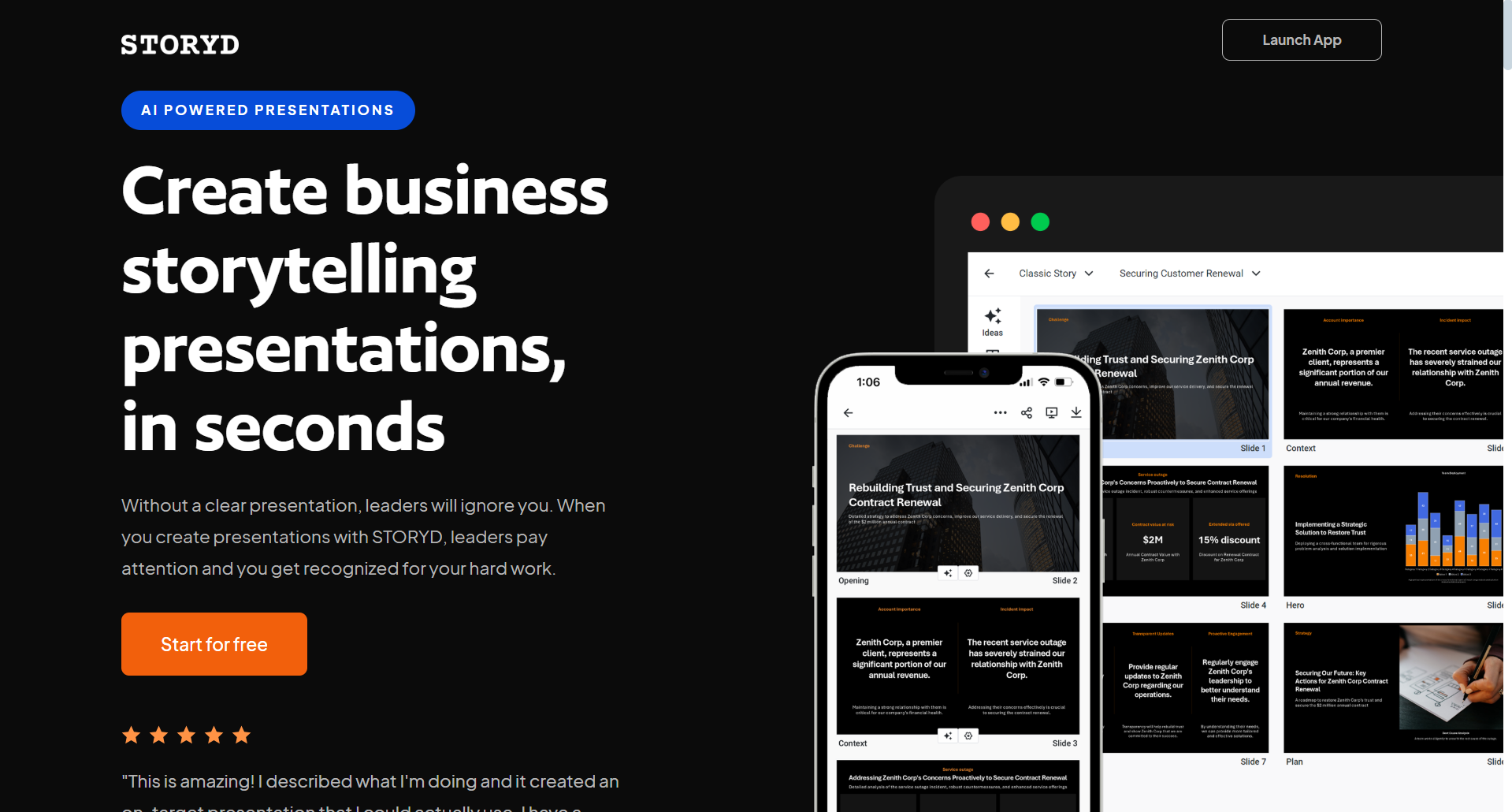
What makes StoryD appealing is its focus on business-first templates. It also offers readymade outlines for business-related purposes.
The interface is user-friendly, and the workflow feels straightforward, but the template library can be relatively limited compared to some of the other tools listed here. The generated content tends to be precise, which makes it suitable for business purposes, but it might fall short for more detailed educational or research-based presentations.
Pricing: The free plan allows you to create up to 5 presentations per month. For unlimited access and additional features, the PRO plan is available at $18 per month.
10. Canva
Canva offers over 16 AI-powered tools to make designing faster and easier. To use its AI Presentation Maker, you can sign up for a free account, type your brief descriptive prompt, and the tool will generate ready-to-use templates instantly. You can then customize these templates or add charts to make your presentation to make it visually appealing.
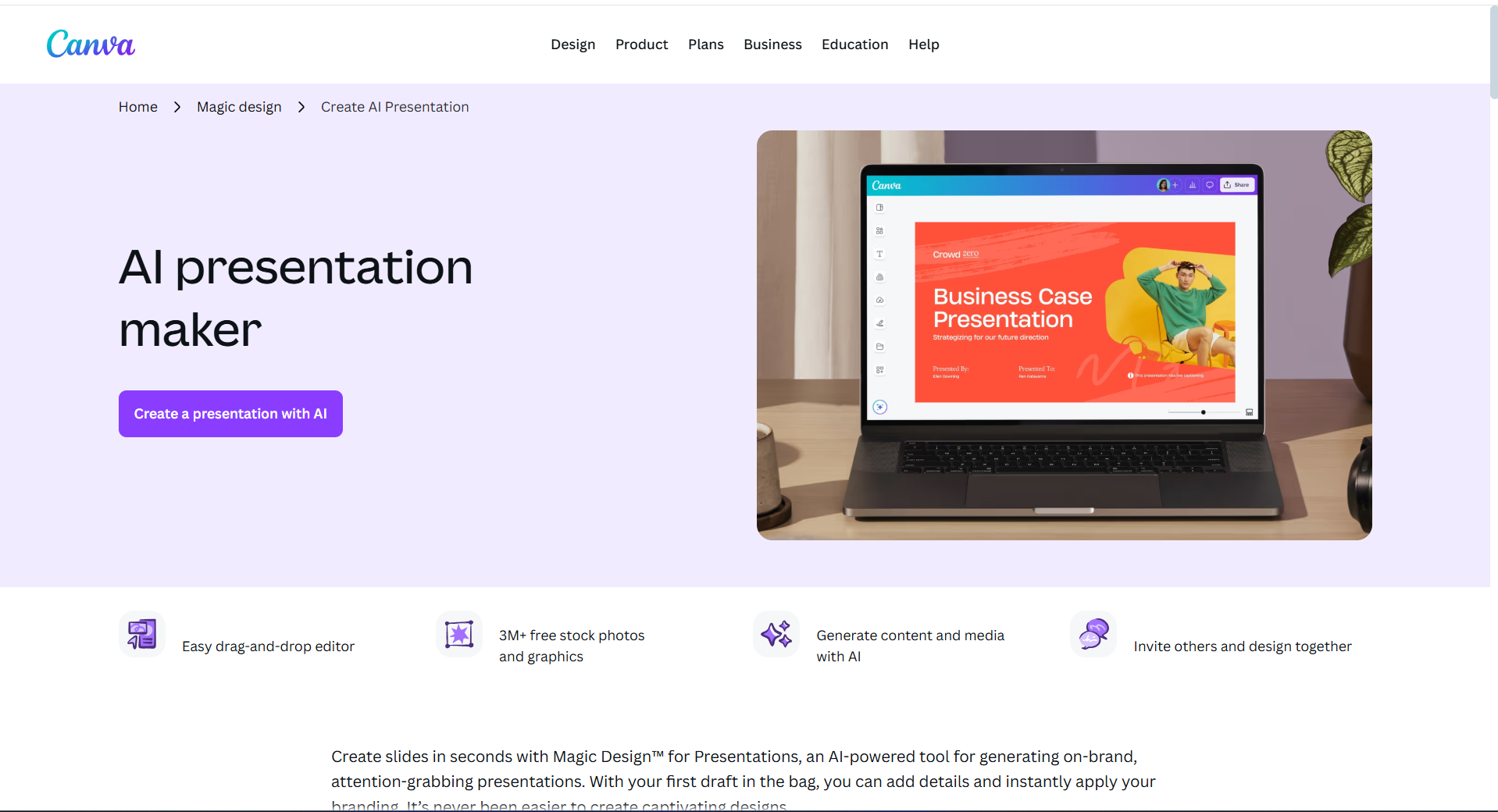
Canva works best for basic presentation needs, especially for students or educators. It includes stock photos, videos, illustrations, over 1,000 free templates, and data visualization options like dot plots, heat maps, and isotypes to enhance your slides.
The AI can generate a 7-slide presentation from a single prompt in seconds. While this is convenient, the content quality is basic, and the selection of templates feels limited when compared to the listed AI tools. You can export your presentation in multiple formats, including PDF, PPT, and MP4.
Pricing: The free plan allows 10 lifetime presentation generations. The Pro plan, at $5.99 per user per month, offers unlimited use.
Why Should You Trust Me?
I have always been exploring and testing AI tools for years, everything from educational assistants to writing and design AI. When I chose the top 10 AI presentation generators, I did not just skim through the surface—I tested them thoroughly to ensure they deliver the best realistic results.
This is not my first AI review. I have also covered AI website builders, voice generators, video generators, logo tools, and headshot creators. My guides include practical tutorials on upscaling images, creating AI voice clones, and building websites using AI.
This lets me confidently recommend the best tools to meet your needs.
Conclusion: Are AI Presentation Generators Worth It?→
Absolutely. These tools can build entire presentations from scratch with just a few keywords, and they let you customize every element to match your desired vision.
Among the top 10 free AI presentation tools I reviewed, MagicSlides stands out as my top pick. It offers polished presentations, full download and sharing options, seamless Google Slides integration, and works with a variety of inputs. For educators, Curipod is a must-try, offering creative and interactive lesson generation.
Ready to revolutionize your presentations? Give MagicSlides a try at https://www.magicslides.app/ and see the difference for yourself.
Have you tried any of these AI tools? Share your experiences in the comments below, and stay tuned for more hands-on guides and reviews.
FAQs
Q1. Is it feasible for AI to start from scratch when creating a presentation?
Yes, in fact. Charts, pictures, and content can all be included in full presentations created by AI. With just a detailed prompt, you can easily prepare your slides in just a few minutes.
Q2. For students, what is the best free AI presentation tool?
Most of the materials on my list are useful for students. Presentations and MagicSlides. AI, PopAI, and Canva are particularly suitable for academic or university projects.
Q3. For business presentations, what is the best tool?
MagicSlides, Pitch, and StoryD are all excellent resources for business professionals. With timelines, charts, and other data visualization elements, they create outstanding presentations.
Q4. Are AI PowerPoint creators totally free?
While all of the listed tools are free to use, the majority have limited features and limitations. In the review, these restrictions are listed for every tool.
Q5. Is it possible to alter presentations produced by AI?
Of course. Every component, color, theme, font, and content can be changed to suit your preferences.
Q6. Are presentations produced by AI free of copyright?
Not always. Certain free presentations might have usage restrictions or watermarks. A paid plan is typically needed to remove watermarks and unlock full rights.